Capabilities
Professional voice cloning
Fine-tune a highly similar, stable voice clone from a larger set of audio samples
Professional Voice Cloning is currently in beta.
Professional Voice Cloning produces a clone that more closely matches the original speaker and is more stable than Instant Voice Cloning. It requires more audio and an asynchronous training step, so the result is not instant.
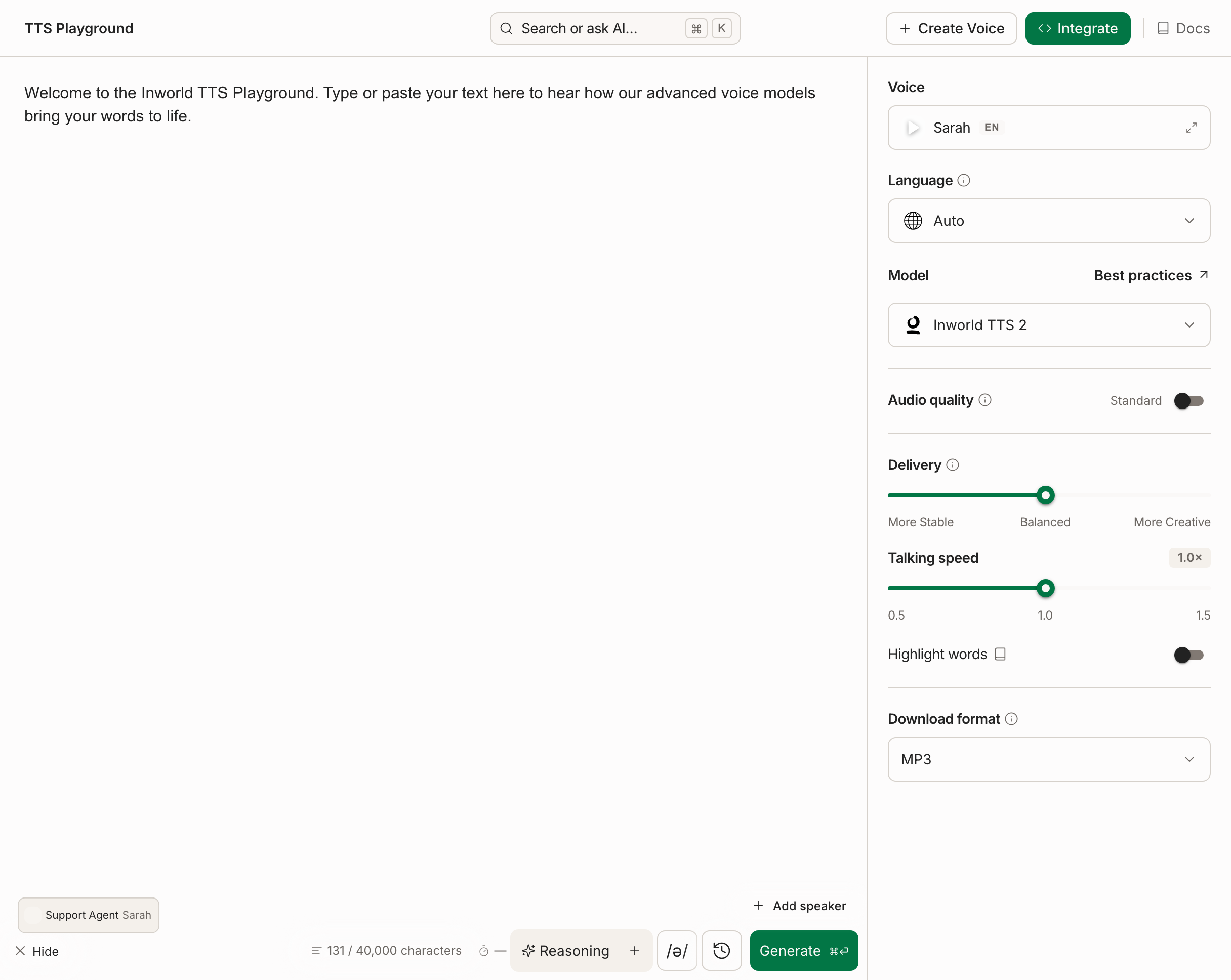
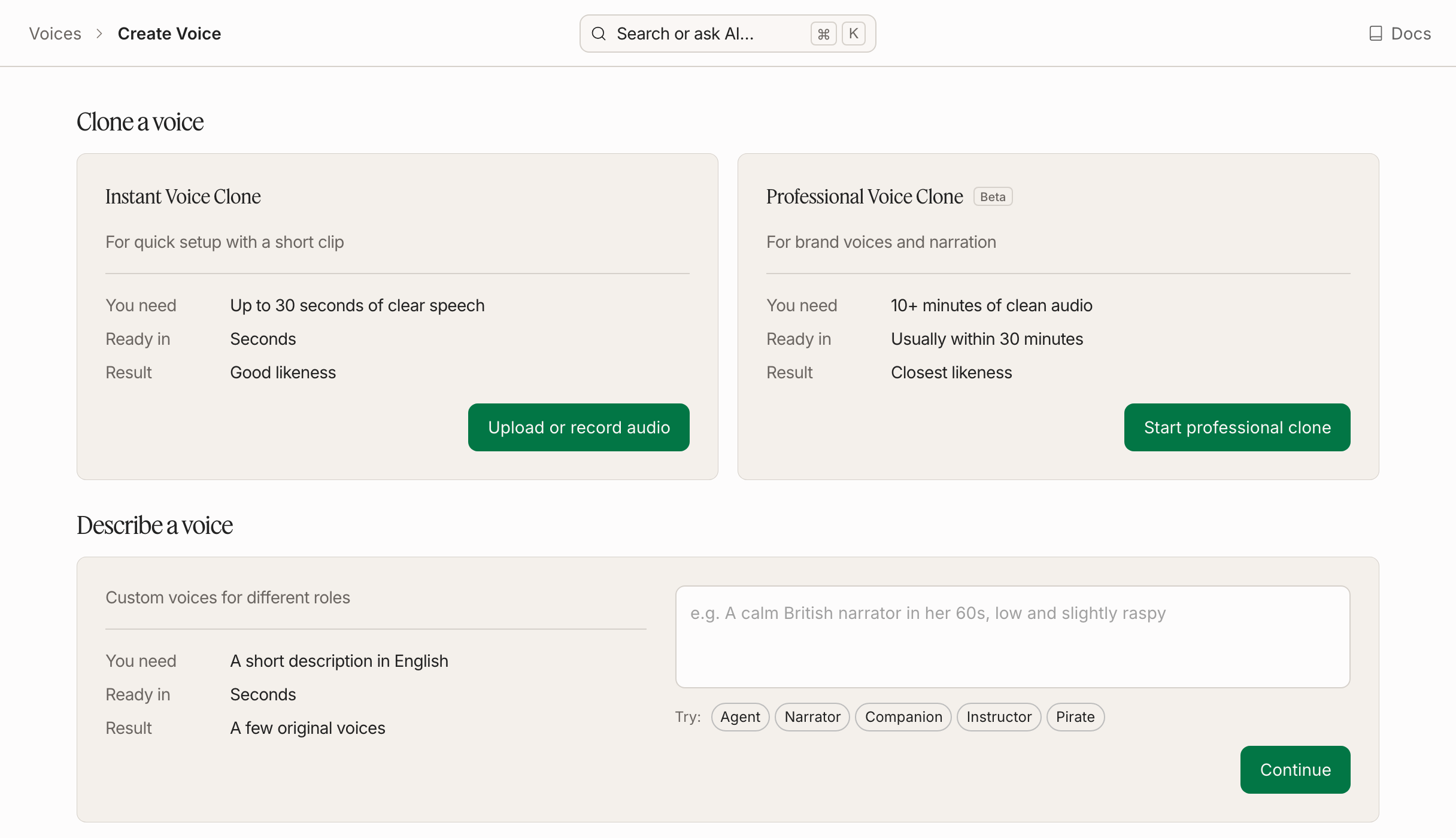
To get started, create a Professional Voice Clone through Inworld Portal. Open Text-to-Speech > Create Voice > Start professional clone and follow the guided flow.
You can also create a Professional Voice Clone via the PVC API if you want to automate cloning or expose it to your own users.
Create a Professional Voice Clone in Portal
Name your voice
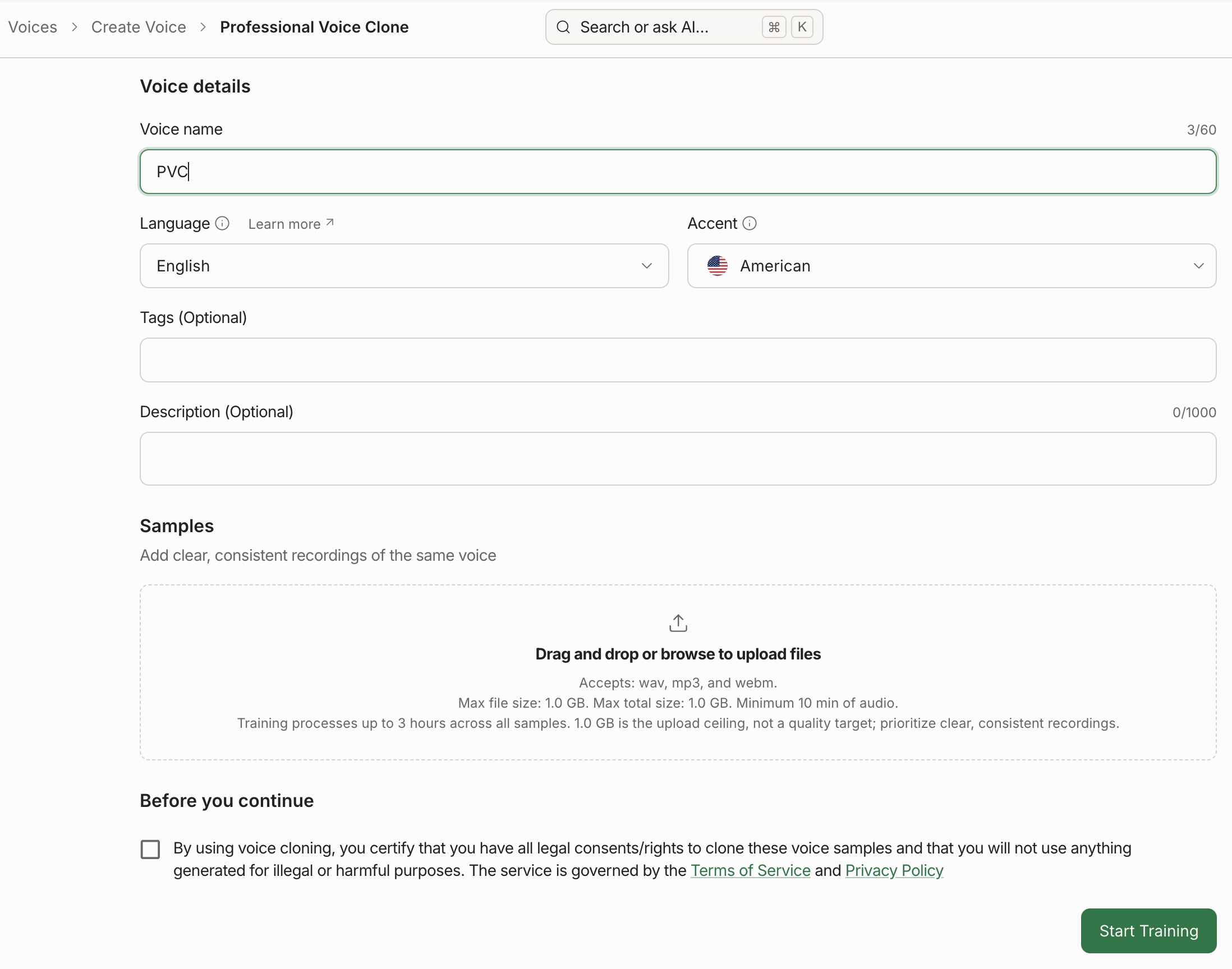
Enter a Voice name, then select the Language and Accent spoken in your recordings. The language must match your samples; training is rejected if the audio is in a different language. Description and tags are optional.
Multi-language support for Professional Voice Cloning is experimental. English (en-US) is fully supported.
Upload audio samples and start training
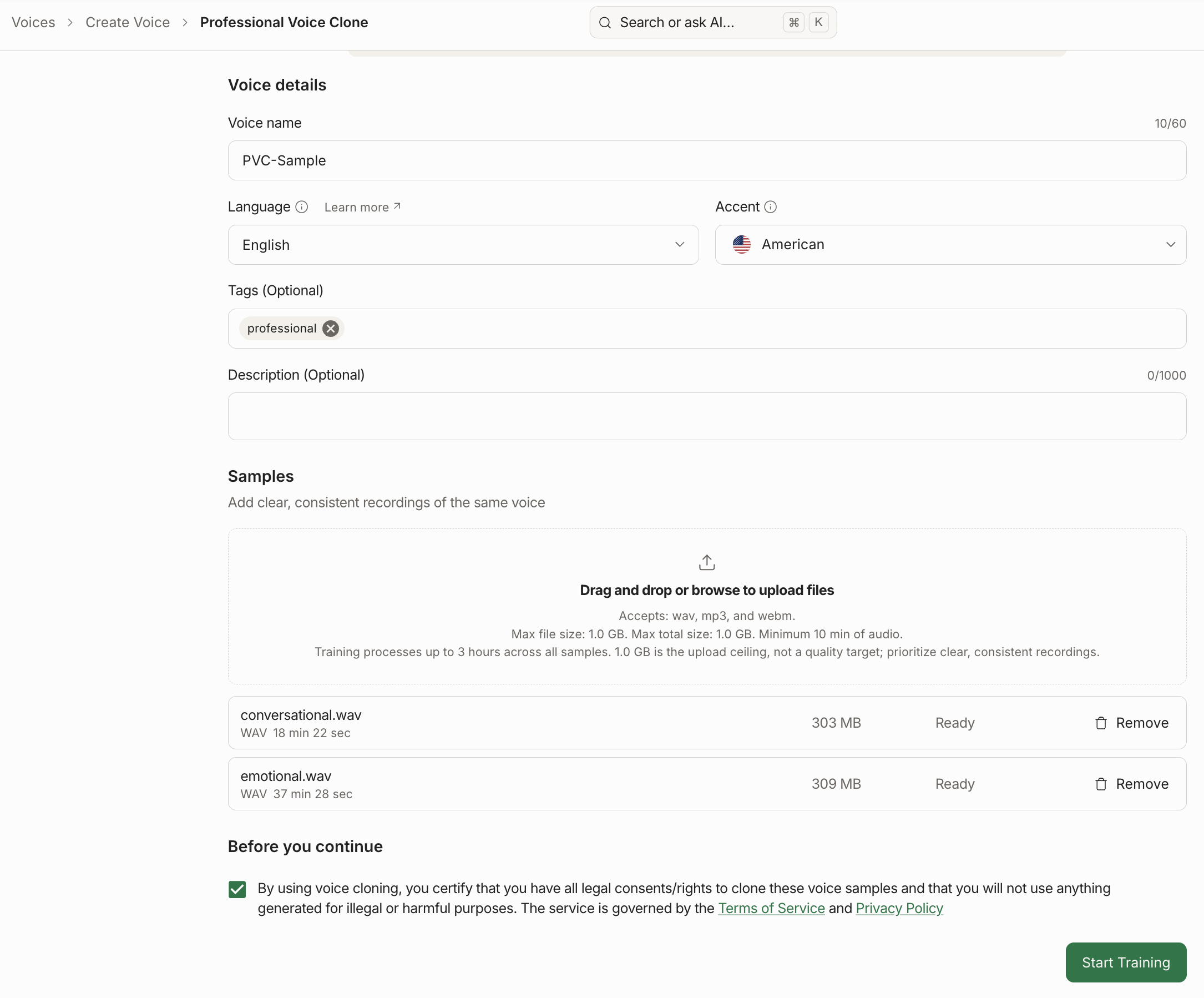
Drag and drop or browse to upload your audio samples.
- You can upload up to 50 audio samples per voice, up to a combined limit of 1 GB (1,000,000,000 bytes).
- Uploaded audio must total at least 10 minutes combined. More clean, high-quality audio generally produces a better clone.
Confirm you have the rights to clone the voice, then click Start Training.
Check out our Voice Cloning Best Practices for tips on recording and preparing audio for a professional voice clone.
Wait for training to complete
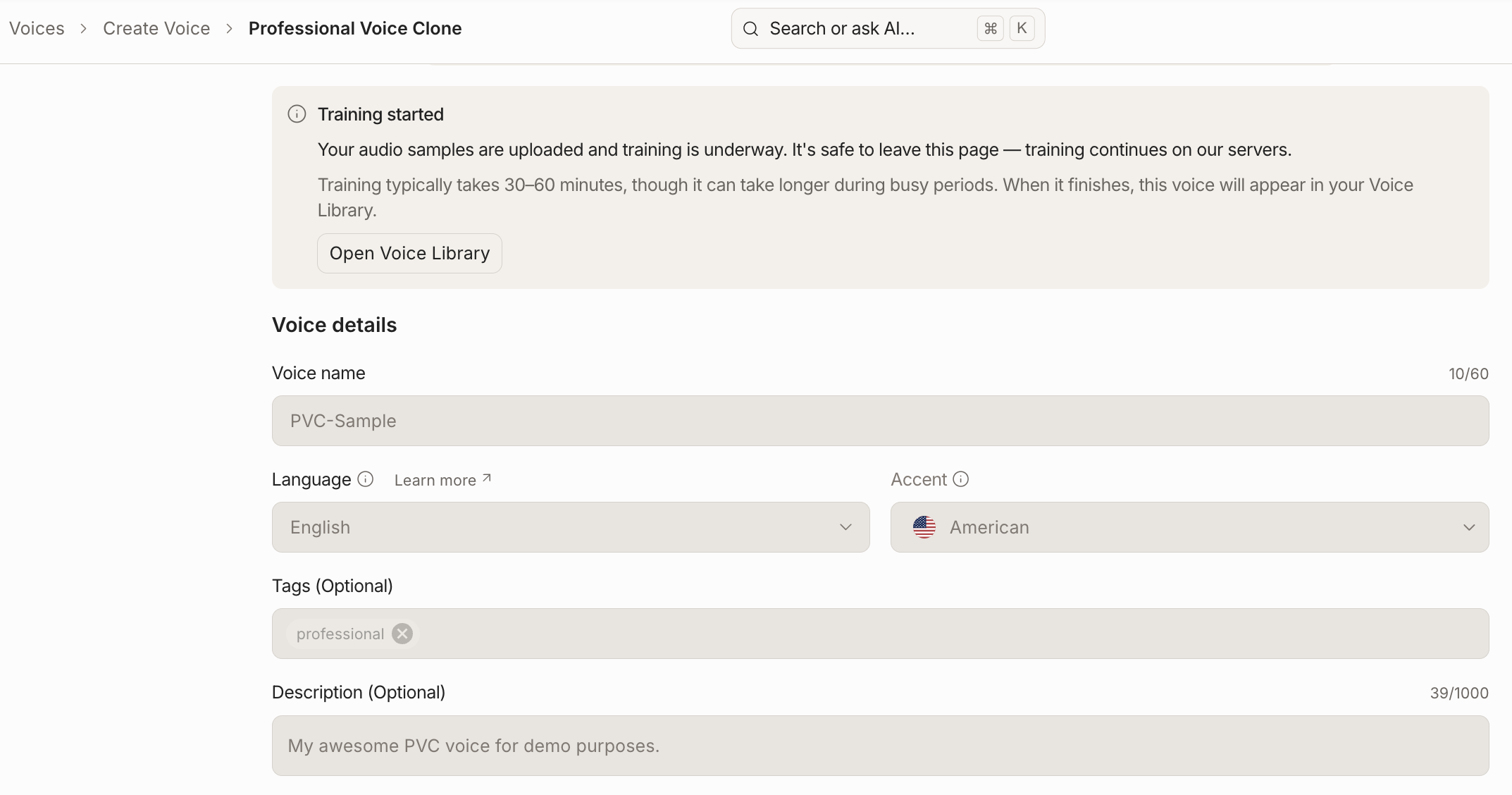
Once training starts, you can leave the page — training continues in the background and typically takes 30–60 minutes, longer during busy periods. When it finishes, the voice appears in your Voice Library.
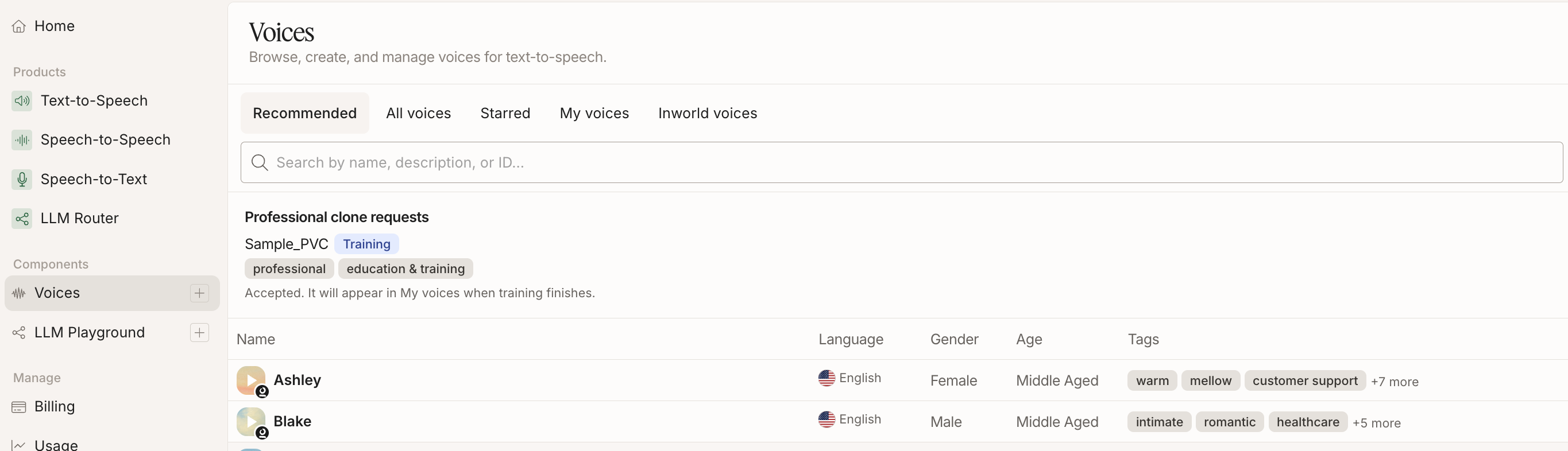
Training status is displayed on the Voices page, where your request appears under Professional clone requests along with its current status.
Use your voice from My Voices

Once training finishes, the voice moves to My voices, ready to use in the TTS Playground or via the TTS API. To use it via the TTS API, copy the voice ID and use that value for the voiceId when making an API call. See our Quickstart to learn how to make your first TTS API call.
Create a Professional Voice Clone via API
If you want to automate professional voice cloning, use the PVC API. Unlike Instant Voice Cloning, it's a multi-step, asynchronous flow: create a draft voice, upload audio samples, then train.
Create a draft voice
Create a PVC voice with a displayName. It starts in PVC_VOICE_STATE_DRAFT.
Upload audio samples
Upload PVC voice samples, repeating until you have at least 10 minutes of cumulative audio. A voice holds up to 50 samples totalling 1 GB (1,000,000,000 bytes). Each request carries at most 10 files, so larger sets need several calls. Optionally trim individual samples first.
Train the voice
Train the voice. This queues training and returns immediately — poll Get a PVC voice to watch state move from PVC_VOICE_STATE_QUEUED to PVC_VOICE_STATE_TRAINING to PVC_VOICE_STATE_READY.
Use your voice via API
Once state is PVC_VOICE_STATE_READY, the customVoice field names the trained voice. Find its voiceId with List voices, and use it anywhere you'd use a regular voice, e.g. Synthesize speech. See our Quickstart to learn how to make your first TTS API call.
Check out our Voice Cloning Best Practices for tips on recording and preparing audio for a professional voice clone.
Every voice — including failed or unfinished attempts, which are draft voices — counts toward your plan's PVC voice slots. Delete the draft and failed attempts you don't need with Delete a PVC voice to free their slots. A trained voice frees its slot only when you delete the voice itself — see below.
Plan limits
Two limits apply to Professional Voice Cloning, both set by your subscription plan:
- Voice slots — how many professional voice clones you can hold at once.
- New trainings — how often you can start a training run.
| Plan | Voice slots | New trainings |
|---|---|---|
| On-Demand | 2 | 1 per day |
| Creator | 4 | 2 per day |
| Builder | 10 | 4 per day |
| Developer | 25 | 12 per day |
| Growth | 40 | 1 per hour |
| Enterprise | 100, extendable with add-ons | 4 per hour |
On-Demand accounts also need a payment method on file before they can create a professional voice clone.
Slots are held, not consumed: a slot stays occupied for as long as the voice exists, and is released when you delete the voice. Every voice counts, including drafts and failed attempts. A run of failed training jobs can fill your slots even though none of them produced a usable voice. Use List PVC voices to find them and Delete a PVC voice to free their slots. A trained voice can't be deleted with the PVC API; to free its slot, delete the voice itself — see Retrain or remove a trained voice.
Checking your limits programmatically
Rather than hard-coding the slot numbers above, read them at runtime from Resolve upload limits, which reports your plan's slot ceiling alongside live usage:
curl -s 'https://api.inworld.ai/voices/v1/pvcVoices:resolveUploadLimits' \
  -H "Authorization: Basic $INWORLD_API_KEY"
usedPvcVoiceSlots and maxPvcVoiceSlots tell you where you stand on slots. Creating a voice when all slots are taken is refused until you free one or upgrade.
The training rate is not returned by this endpoint — the table above is the reference for it. Starting a training run above your plan's rate returns 429, and the error message names the limit you hit; wait for the window to reset rather than retrying in a loop.
Retrain or remove a trained voice
Once a PVC voice reaches PVC_VOICE_STATE_READY, it's final: you can't edit its samples, train it again, or delete it with the PVC API. Those requests return 409.
- To remove a trained voice and free its slot, delete the voice itself — from the voice library in Portal, or with Delete a voice using its
voiceId. - To retrain with different audio, create a new PVC voice and train that. If you're at your slot limit, delete the old trained voice first.
Next Steps
Looking for more tips and tricks? Check out the resources below to get started!