

Run the Template
- Go to
Assets/InworldRuntime/Scenes/Nodesand play theEdgeLoopDemoscene.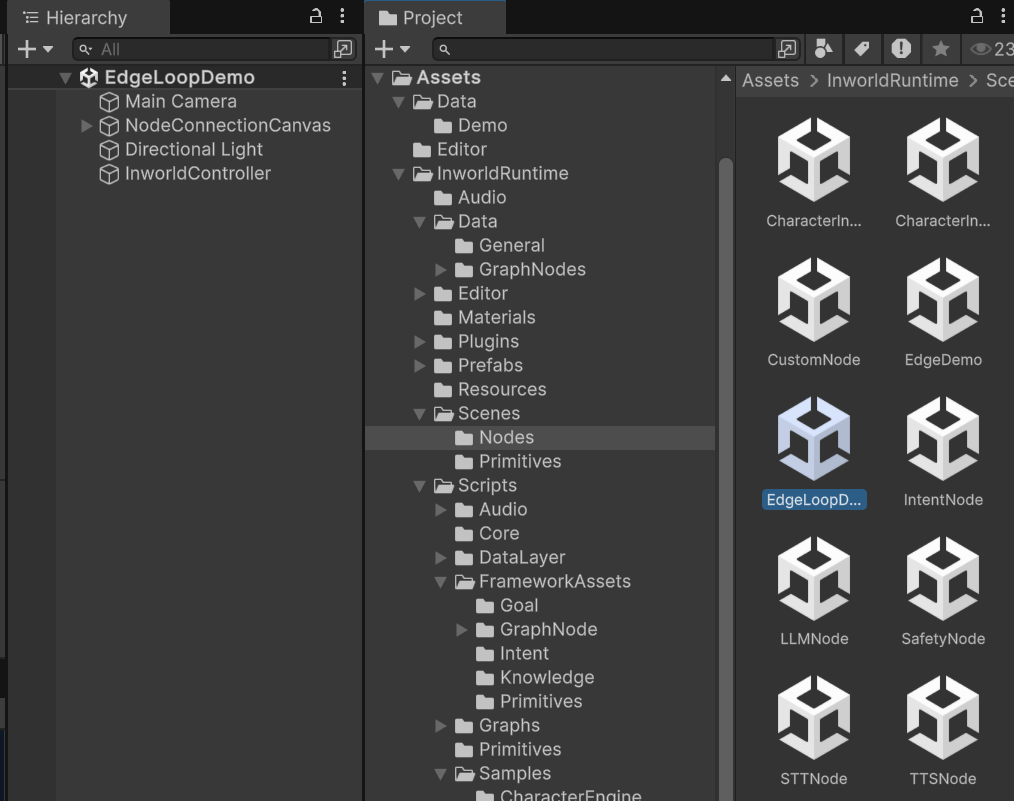
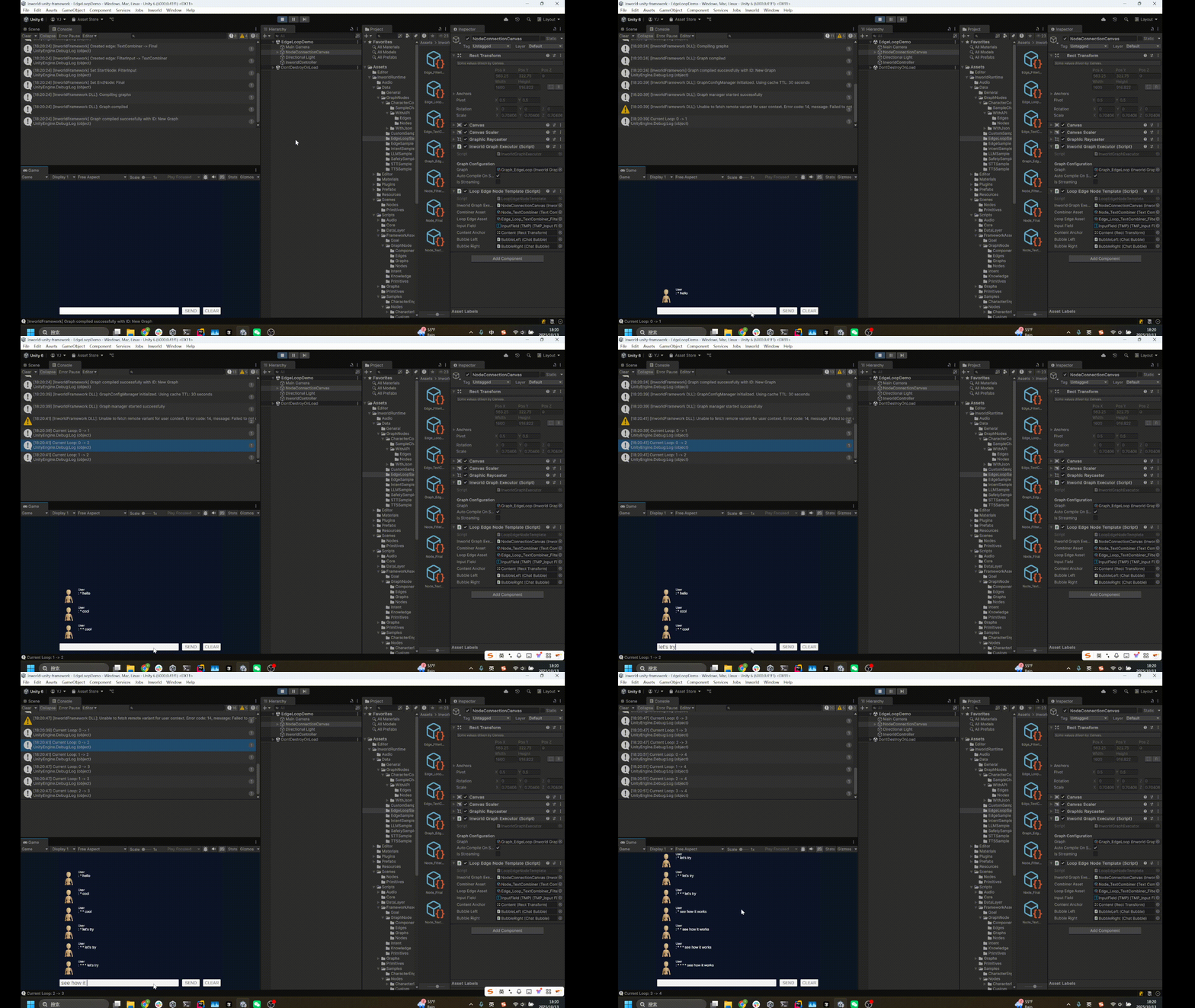
- Whenever you type something, it responds with the input prefixed by
*characters on the left.
Understanding the Graph
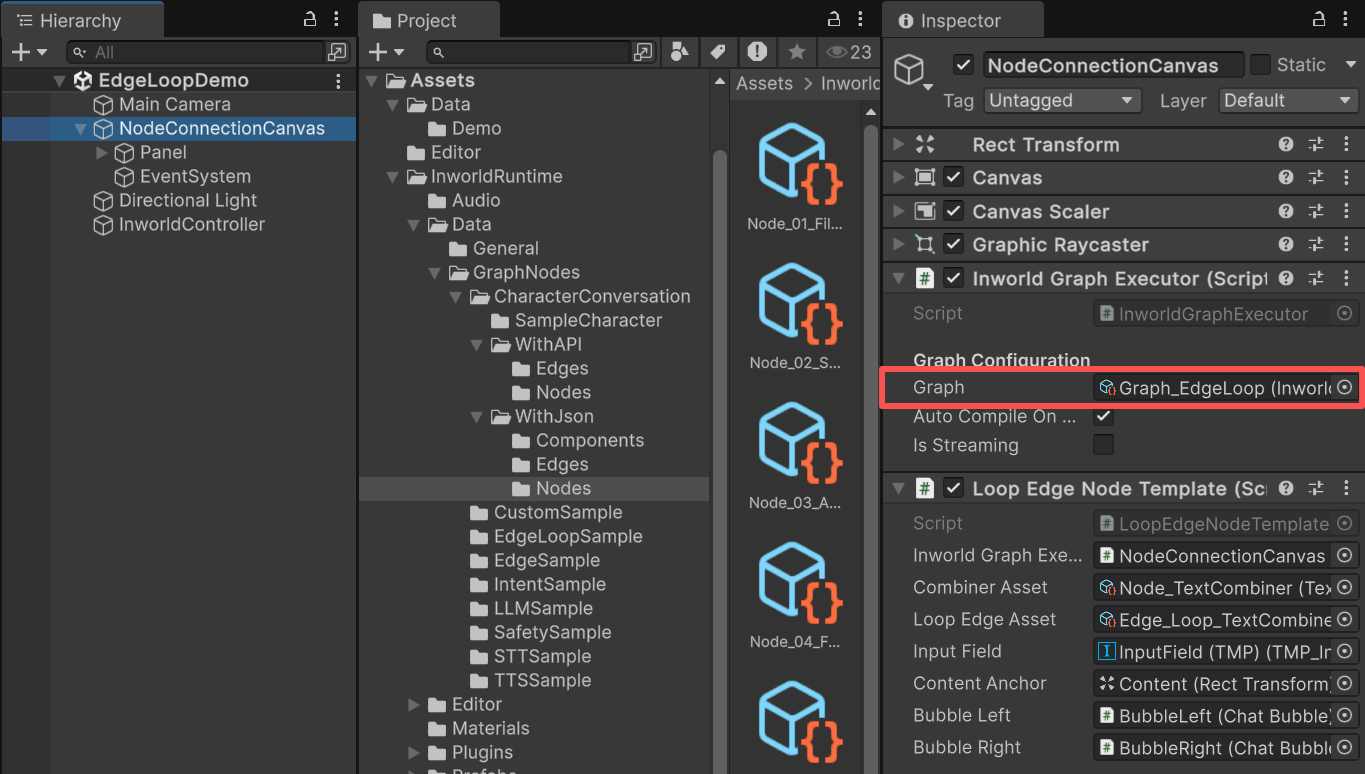
NodeConnectionCanvas contains an InworldGraphExecutor.
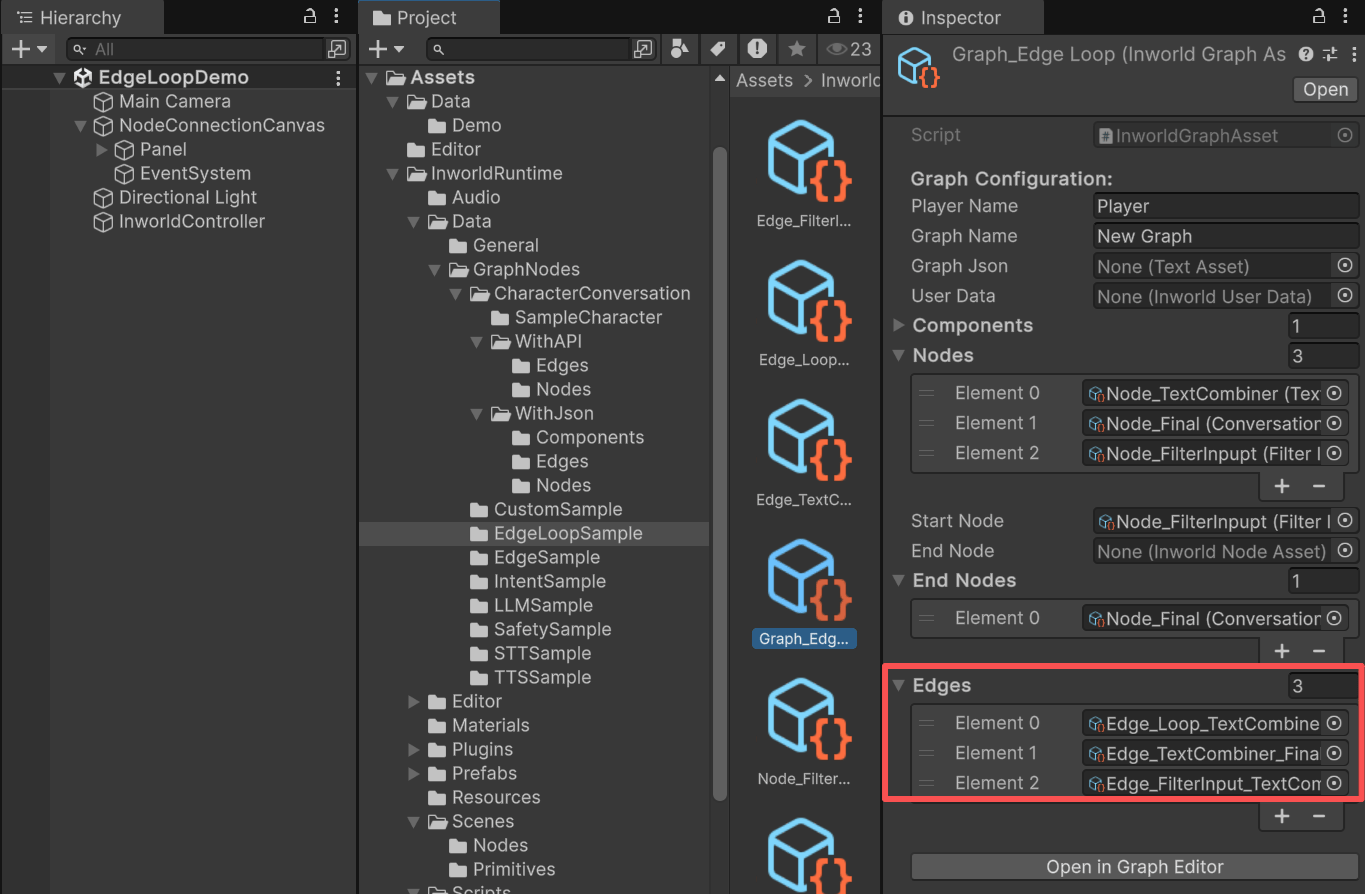
TextCombiner: A custom node that adds*in front of sentences.NodeFinal: A custom conversation‑endpoint node that prints the text.FilterInput: The start node, a custom node that filters out mismatched input types.
FilterInputtoTextCombinerTextCombinertoFilterInput: This is a customized LoopEdge, withIsLooptoggled.FilterInputtoNodeFinal.
FilterInput is the StartNode and NodeFinal is the EndNode.
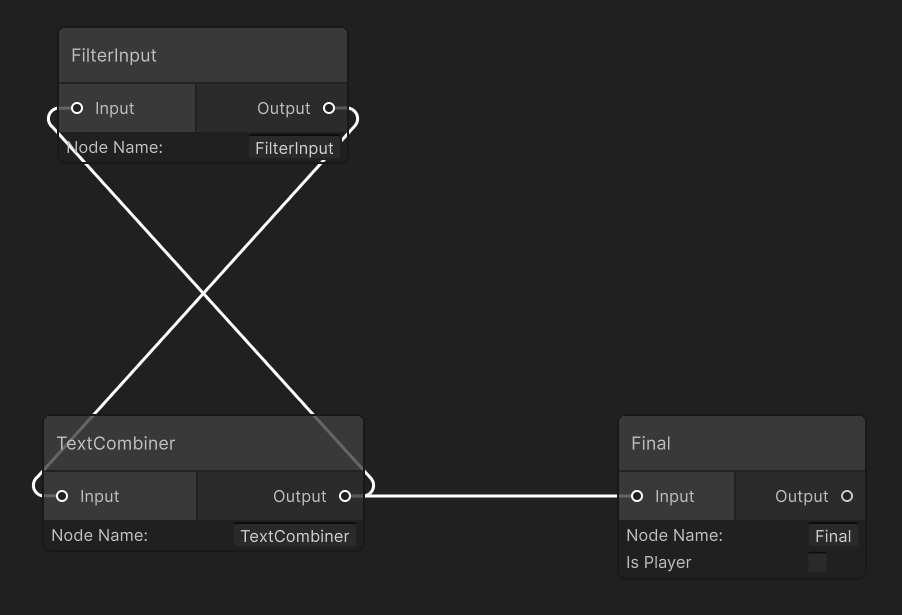
CustomNode details
TextCombiner
In its overriddenProcessBaseData(), it adds * to the left of the input text and sets it as the output.
TextCombinerNodeAsset.cs
FilterInput
This is a custom node used in the Character Interaction. It filters out inputInworldBaseData that are neither InworldText nor InworldAudio.
FilterInputNodeAsset.cs
NodeFinal
NodeFinal uses the custom node ConversationEndpointNodeAsset.
During CreateRuntime(), it stores the speaker’s name and later returns output text containing both the speaker’s name and the result.
It is typically used as the end node in Character Interaction.
ConversationEndpointNodeAsset.cs
Edge
The loop edge fromTextCombiner to FilterInput is a customized edge with IsLoop toggled.
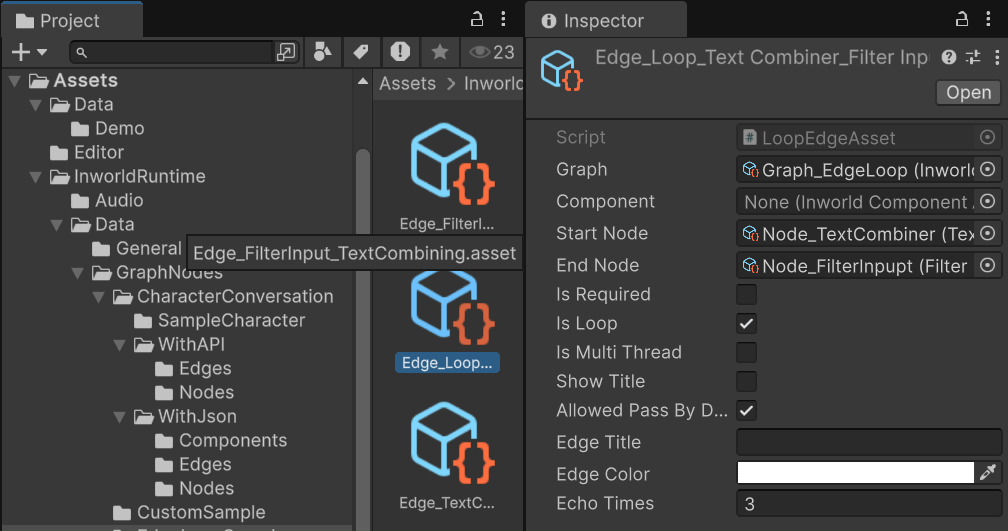
MeetsCondition():
if the current loop count exceeds the limit, the edge blocks passage;
otherwise, it allows passage (sending control back to the loop start FilterInput).
Because each iteration prefixes another * before passing the result back to FilterInput, you will see the number of * increase with each loop.
InworldController
TheInworldController contains no primitive modules.
Workflow
- When the game starts,
InworldControllerinitializes immediately because there are no primitives. - Next,
InworldGraphExecutorinitializes its graph asset by calling each component’sCreateRuntime().
CreateRuntime works on custom nodes, see the CustomNode Demo.
For edges, during CreateRuntime() the system calls SetEdgeCondition() and registers OnConditionCheck as the function pointer for the condition.
Inside OnConditionCheck, the system calls the overridden MeetsCondition() virtual function implemented by each edge subclass.
InworldEdgeAsset.cs
-
After initialization, the graph calls
Compile()and returns the executor handle. -
After compilation, the
OnGraphCompiledevent is invoked.
NodeConnectionTemplate subscribes to it and enables the UI components.
Users can then interact with the graph system.
LoopEdgeNodeTemplate.cs
- After the UI is initialized, send the input text to the graph.
-
Calling
ExecuteGraphAsync()causes the graph to loop, sending theTextCombinerresult back toFilterInputuntil the loop count configured byLoopEdgeis reached.
OnGraphResult(), which NodeConnectionTemplate subscribes to in order to receive the data.
LoopEdgeNodeTemplate.cs