Routing
Routing quickstart
Create a reusable router in Portal or through the API, then send a request through it
Create a reusable router when you need traffic splitting, conditional routes or a saved routing configuration. You can create it in Portal or through the API. To call a model directly first, use the Inference quickstart.
This guide uses the OpenAI-compatible /v1/chat/completions endpoint. You can also use the Anthropic-compatible /v1/messages endpoint, the OpenAI SDK, or the Anthropic SDK.
These examples run on your server with a Standard API key. Set INWORLD_API_KEY to the copied Base64 credential as-is; do not encode it again. Direct requests use Basic. Creating a router through the API additionally requires Router Write permission; calling chat completions does not. Browser/mobile clients should use a backend-minted token or a server proxy. See authentication recovery if a request fails.
Create your first router on Portal
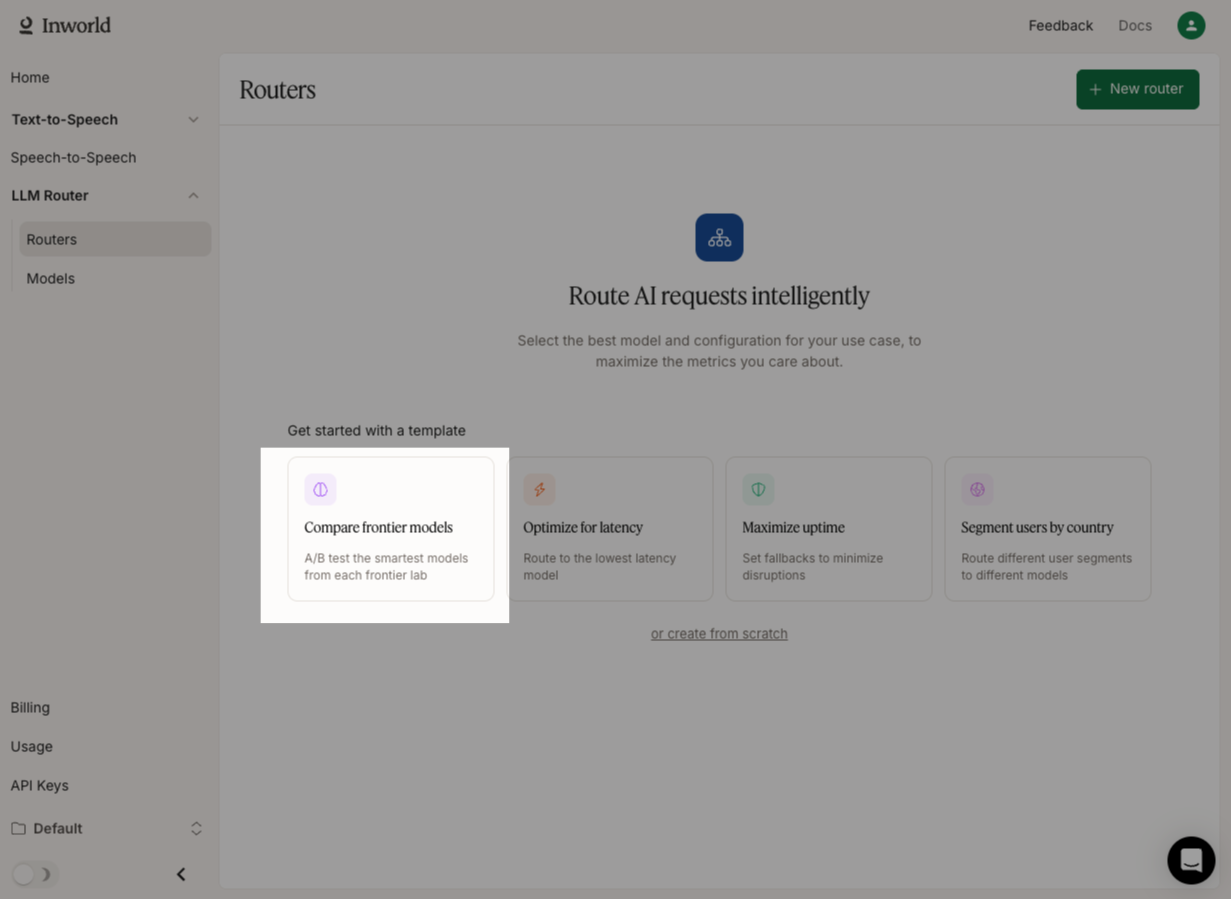
Open Routers
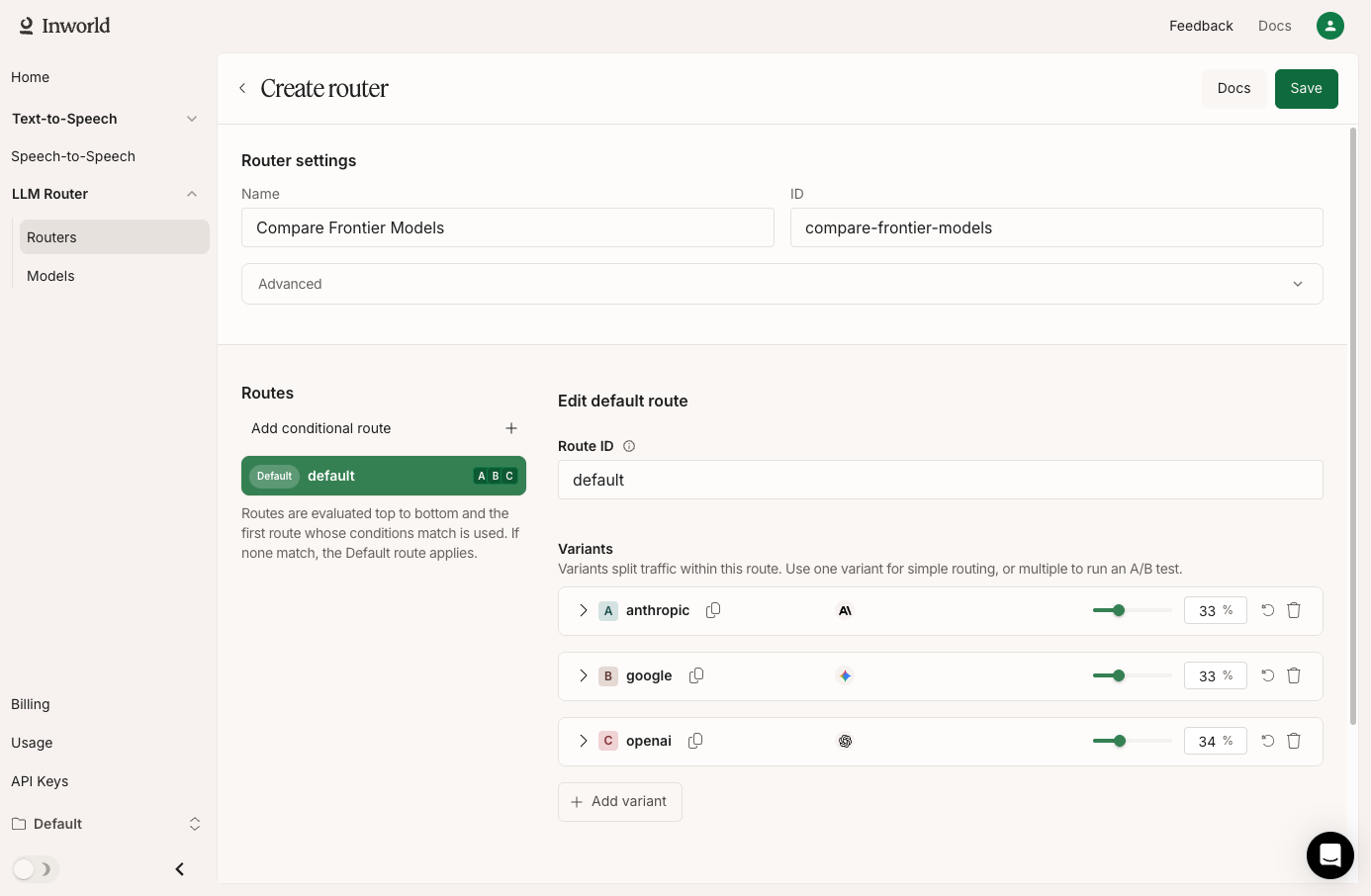
In Inworld Portal, go to Routers and select "Compare frontier models".
Get your API Key
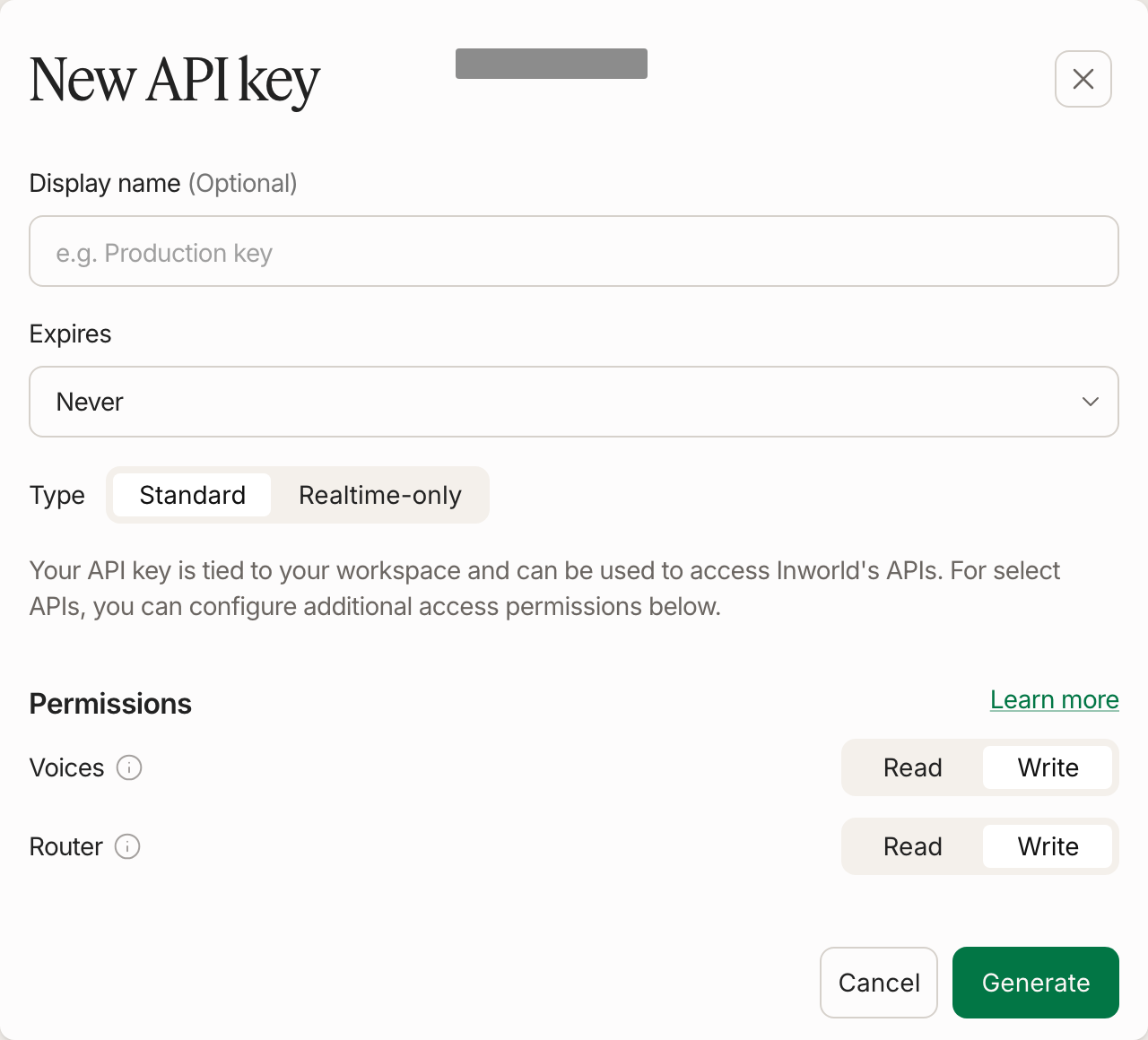
Under Manage, open API Keys and click Generate new key. Choose Standard, click Generate, then copy Basic (Base64).
Make your first request
Run this code to send your first request through the router.
curl --request POST \
  --url https://api.inworld.ai/v1/chat/completions \
  --header "Authorization: Basic $INWORLD_API_KEY" \
  --header 'Content-Type: application/json' \
  --data '{
    "model": "inworld/compare-frontier-models",
    "messages": [
      {"role": "user", "content": "Who created you?"}
    ]
  }'
If you run the request multiple times, you should see traffic split across Anthropic's Opus 4.6, Google's Gemini 3.1 Pro, and OpenAI's GPT-5.2.
Create your first router via API
Get your API Key
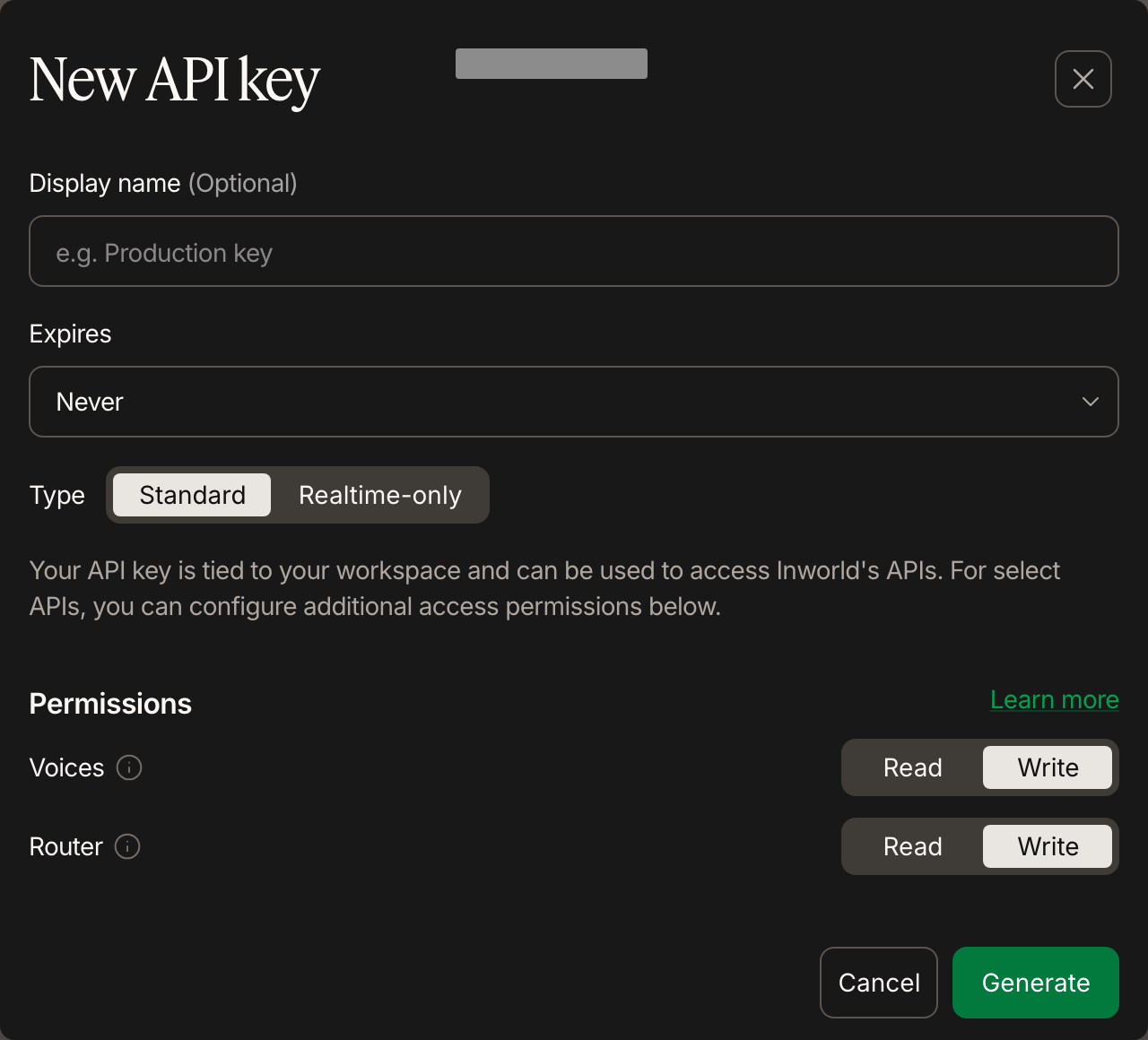
In Inworld Portal, open Manage > API Keys and click Generate new key. Choose Standard. Enable Write permissions for the Router API, and click Generate.
Copy Basic (Base64).
Create a router
Now let's create a router that splits your traffic between Anthropic's Opus 4.6, Google's Gemini 3.1 Pro, and OpenAI's GPT-5.2.
curl --location 'https://api.inworld.ai/router/v1/routers' \
--header 'Content-Type: application/json' \
--header "Authorization: Basic $INWORLD_API_KEY" \
--data '{
    "name": "compare-frontier-models",
    "default_route": {
        "route_id": "default",
        "variants": [
            {
                "variant": {
                    "variant_id": "anthropic",
                    "model_id": "anthropic/claude-opus-4-6"
                },
                "weight": 33
            },
            {
                "variant": {
                    "variant_id": "google",
                    "model_id": "google-ai-studio/gemini-3.1-pro-preview"
                },
                "weight": 33
            },
            {
                "variant": {
                    "variant_id": "openai",
                    "model_id": "openai/gpt-5.2"
                },
                "weight": 34
            }
        ]
    }
}'import os
import requests
url = "https://api.inworld.ai/router/v1/routers"
headers = {
"Content-Type": "application/json",
"Authorization": f"Basic {os.environ['INWORLD_API_KEY']}"
}
data = {
"name": "compare-frontier-models",
"default_route": {
"route_id": "default",
"variants": [
{
"variant": {
"variant_id": "anthropic",
"model_id": "anthropic/claude-opus-4-6"
},
"weight": 33
},
{
"variant": {
"variant_id": "google",
"model_id": "google-ai-studio/gemini-3.1-pro-preview"
},
"weight": 33
},
{
"variant": {
"variant_id": "openai",
"model_id": "openai/gpt-5.2"
},
"weight": 34
}
]
}
}
response = requests.post(url, headers=headers, json=data)
print(response.json())const response = await fetch("https://api.inworld.ai/router/v1/routers", {
method: "POST",
headers: {
"Content-Type": "application/json",
"Authorization": `Basic ${process.env.INWORLD_API_KEY}`
},
body: JSON.stringify({
name: "compare-frontier-models",
default_route: {
route_id: "default",
variants: [
{
variant: {
variant_id: "anthropic",
model_id: "anthropic/claude-opus-4-6"
},
weight: 33
},
{
variant: {
variant_id: "google",
model_id: "google-ai-studio/gemini-3.1-pro-preview"
},
weight: 33
},
{
variant: {
variant_id: "openai",
model_id: "openai/gpt-5.2"
},
weight: 34
}
]
}
})
});
const data = await response.json();
console.log(data);Make your first request
Run this code to send your first request through the router.
curl --request POST \
  --url https://api.inworld.ai/v1/chat/completions \
  --header "Authorization: Basic $INWORLD_API_KEY" \
  --header 'Content-Type: application/json' \
  --data '{
    "model": "inworld/compare-frontier-models",
    "messages": [
      {"role": "user", "content": "Who created you?"}
    ]
  }'
If you run the request multiple times, you should see traffic split across Anthropic's Opus 4.6, Google's Gemini 3.1 Pro, and OpenAI's GPT-5.2.
Next steps
Now that you've made your first request, you can explore more of Inworld Inference's capabilities.